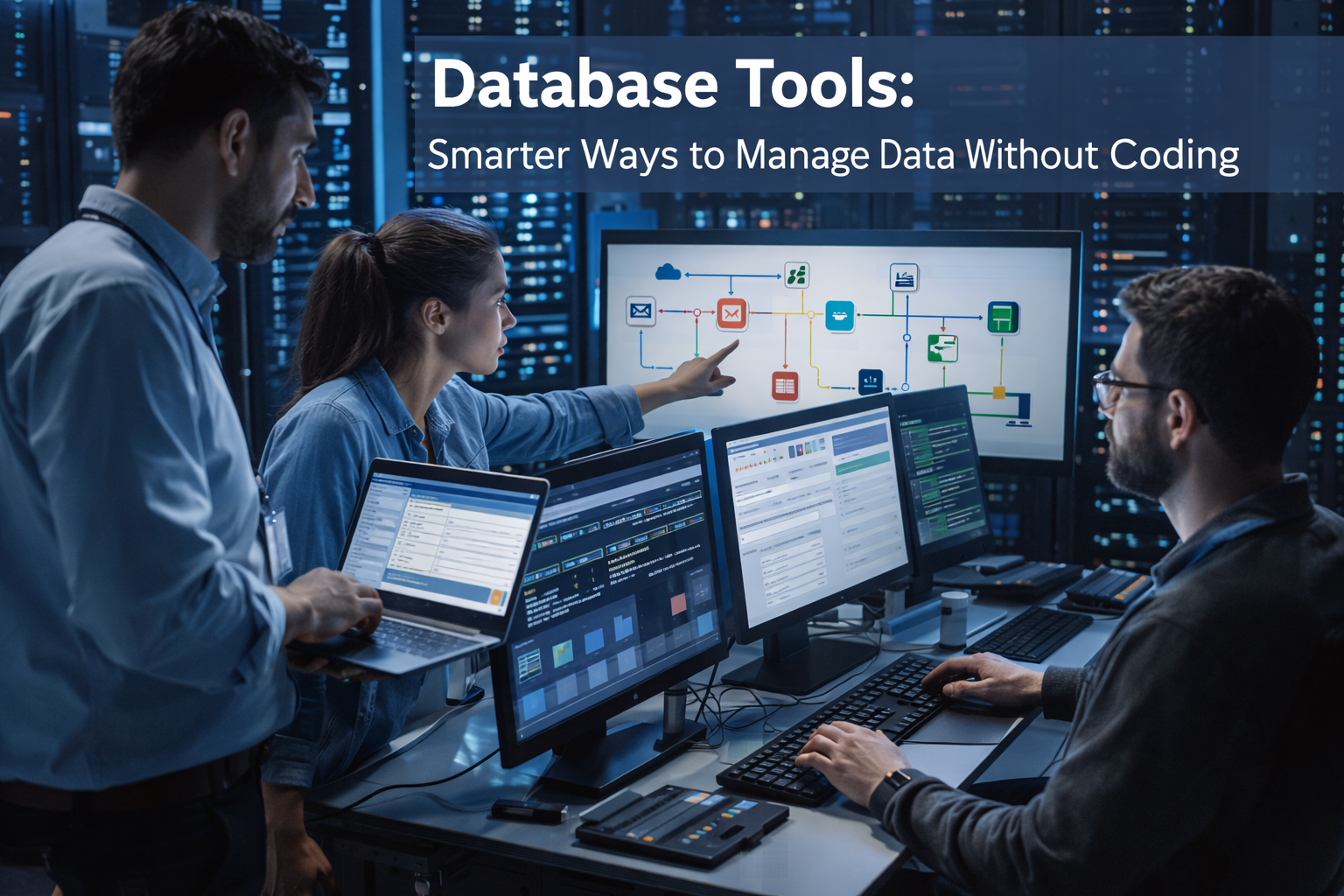
Workflow builders are becoming essential tools in modern No-Code & Low-Code platforms, allowing businesses to automate processes without writing complex code. These visual automation tools enable teams to design workflows using drag-and-drop interfaces, making process automation faster and more accessible.
Businesses today rely on multiple digital systems to manage operations, customer relationships, and internal workflows. However, coordinating these systems manually can slow productivity and create unnecessary complexity. Because of this challenge, many organizations are adopting No-Code and Low-Code technologies to simplify automation.
As a result, workflow builders allow companies to automate repetitive tasks, streamline communication between systems, and improve operational efficiency. Moreover, these tools empower both developers and non-technical teams to build automation workflows quickly.
What Are Workflow Builders?
Workflow builders are digital tools designed to automate processes inside applications and business systems. They allow users to create automated workflows through graphical interfaces.
Traditionally, developers had to write scripts or build custom software to automate tasks. However, visual automation platforms simplify this process by allowing users to configure workflows visually.
Typically, workflow automation tools include several key features:
- Drag-and-drop workflow design
- Event-based triggers
- Conditional logic rules
- Integration with third-party services
- Monitoring and reporting tools
Because of these capabilities, organizations can automate repetitive tasks quickly. In addition, standardized workflows help ensure consistency across business operations.
The Role of Workflow Builders in No-Code & Low-Code Platforms
Within the No-Code & Low-Code ecosystem, workflow builders focus on process automation, while other tools are designed for building applications and digital solutions. For example, modern platforms often combine workflow automation with app builders that help teams create powerful applications faster.
For example, a customer support platform may automatically assign incoming requests to agents, notify supervisors, and update ticket statuses. Instead of relying on manual coordination, these processes occur automatically.
Furthermore, workflow automation platforms can connect different business applications. A single automated workflow may interact with email systems, CRM platforms, and cloud databases simultaneously.
Consequently, businesses can unify their digital systems and reduce operational friction.
How Workflow Builders Work
Although platforms differ slightly, most workflow builders operate using three fundamental components: triggers, actions, and conditions.
Workflow Triggers
Triggers are events that start an automated workflow. When a trigger occurs, the automation process begins.
Common triggers include:
- Form submissions
- Customer orders
- Database updates
- Email notifications
- Task completions
For instance, when a customer submits a request through a website form, the automation platform may immediately create a support ticket.
Workflow Actions
Actions represent the tasks that occur after a trigger activates the workflow.
Examples include:
- Sending automated emails
- Updating customer records
- Assigning tasks to employees
- Generating reports
- Sending alerts to messaging apps
Because these actions occur automatically, organizations save time and reduce manual workload.
Conditional Logic
Conditional logic allows workflows to behave differently depending on specific criteria.
For example:
- If a purchase exceeds a certain value, notify management
- If a support request is urgent, escalate the ticket immediately
- If a payment fails, trigger a follow-up message
Consequently, workflows become more dynamic and adaptable.
Key Features of Modern Workflow Automation Tools
Modern workflow automation platforms often support integrations with multiple applications and services. For example, many organizations rely on workflow automation tools that connect databases, communication apps, and cloud services to automate repetitive tasks. Platforms such as n8n demonstrate how visual automation systems can streamline complex processes across multiple applications.
Visual Workflow Design
Visual workflow design allows users to map processes using flowcharts or diagrams. Each step in the workflow appears as a connected node.
Because of this approach, teams can easily understand how automated processes function. Additionally, changes can be implemented quickly when business requirements evolve.
Integration Capabilities
Integration is essential for effective automation. Therefore, workflow platforms typically support connections with many external services.
These integrations often include:
- CRM systems
- Marketing platforms
- Payment processors
- Cloud databases
- Communication tools
As a result, organizations can automate processes across multiple systems.
Real-Time Monitoring
Monitoring tools allow administrators to track workflow performance and identify inefficiencies.
For example, managers can analyze workflow completion times or identify bottlenecks in automated processes.
Consequently, businesses can continuously improve operational efficiency.
Security and Access Control
Security is a critical consideration when automating workflows. Therefore, modern platforms include role-based permissions and secure authentication.
These safeguards ensure that only authorized users can modify automation rules.
Business Benefits of Workflow Builders
Organizations adopt workflow builders because they deliver significant operational advantages.
Improved Efficiency
Automated workflows eliminate many repetitive tasks that employees previously handled manually. As a result, teams can focus on higher-value activities.
Consequently, businesses improve overall productivity.
Reduced Human Error
Manual processes often introduce mistakes due to inconsistent execution. However, workflow automation ensures tasks follow predefined rules.
Therefore, organizations experience fewer operational errors.
Faster Task Execution
Automation allows processes to occur instantly once triggered. Tasks that previously required hours or days can now be completed in seconds.
For instance, a workflow automation system can automatically send invoices, update databases, and notify customers after a transaction.
Empowering Citizen Developers
Another major advantage of No-Code & Low-Code workflow tools is accessibility. Employees without programming experience can design automation processes through visual interfaces.
Consequently, departments such as marketing, operations, and human resources can build automation solutions independently.
Real-World Use Cases
Workflow builders are used across many industries to automate business processes.
Customer Support Automation
Customer service teams frequently automate ticket management.
When a support request is submitted:
- The system categorizes the ticket automatically
- The ticket is assigned to the appropriate agent
- The customer receives a confirmation email
As a result, support teams respond faster and maintain consistent service quality.
Sales Pipeline Automation
Sales departments also rely on workflow automation tools.
When a new lead enters the CRM system, automated workflows can:
- Assign the lead to a sales representative
- Schedule follow-up reminders
- Send introductory emails
Consequently, sales teams maintain consistent engagement with potential customers.
Employee Onboarding
Human resources departments use workflow automation to streamline onboarding.
For example, when a new employee joins a company, automated workflows can:
- Create internal accounts
- Send onboarding documentation
- Schedule training sessions
- Notify relevant managers
Therefore, onboarding becomes more organized and efficient.
Marketing Campaign Automation
Marketing teams frequently use automation workflows to manage campaigns.
For instance, workflows can trigger personalized emails, update audience segments, and track engagement metrics.
As a result, marketing campaigns become more scalable and data-driven.
The Future of Workflow Builders
Workflow builders continue to evolve as automation technologies advance.
AI-Powered Automation
Artificial intelligence is increasingly integrated into automation platforms. AI can analyze workflow data, recommend improvements, and generate automation rules automatically.
Consequently, automation systems will become more intelligent over time.
Hyperautomation
Many organizations are adopting hyperautomation, which combines automation tools, artificial intelligence, and data integration.
Workflow builders serve as central components of these advanced automation ecosystems.
Enterprise Digital Transformation
Large enterprises are rapidly adopting No-Code & Low-Code workflow automation tools to modernize operations.
These platforms reduce development backlogs and allow organizations to respond quickly to new business requirements.
Conclusion
Workflow builders are transforming how organizations automate business processes. Through visual interfaces and configurable automation rules, these tools enable teams to design efficient workflows without traditional coding.
As part of the broader No-Code & Low-Code movement, workflow builders empower both developers and non-technical users to streamline operations and improve productivity.
Moreover, automated workflows reduce manual effort, minimize errors, and accelerate task execution. Consequently, businesses can focus more on innovation and strategic growth in an increasingly digital world.